Appearance
The sticker tray
What the person sees. The composer's "+" opens the tray under the conversation: the sticker, emoji and GIF tabs.
What you do. You open the tray (DirectStickerTabTrayScreen) from a conversation (thread.openStickerTray()), then either the GIF tab (openGifTab(), DirectGifTrayScreen) and the GIF the person tapped — one row of its gifs list, sent with the row's own send() — or the sticker tab's grid (openStickerTab(), DirectStickerPickerGridScreen) and the store sticker, one row of its stickers list, sent the same way.
Opening the tray sends its two IGStickerConsolidatedQuery batches together — the recent, cutout, favourite and third-party stickers, and the first-party packs — after the tray comes to front, while the tray is in front, and the first-party batch is the grid's rows. The GIF tab searches GIPHY's popular GIFs when it opens and lists them as gifs. A send is the row's own: send() on the GIF or the sticker the person tapped, with the id the app's list carried.
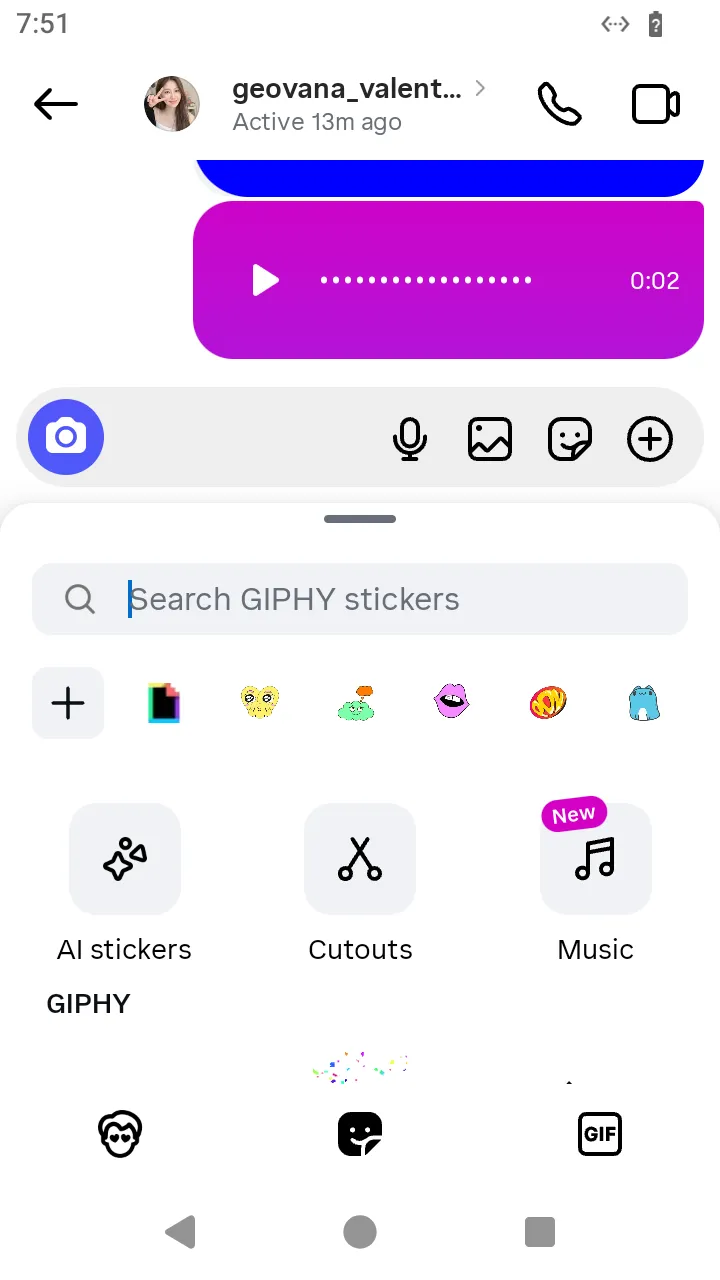 The tray opened from the composer:
 thread.openStickerTray().
ts
// Send a GIF: the tray, its GIF tab, and the GIF the person taps.
const gif = await AndroidIgpapi.launch({
checkpoint: saved,
screen: FeedTimelineScreen,
main: feed =>
Effect.gen(function* () {
const tab = yield* feed.openDirectTab();
const item = tab.threads[0];
if (item === undefined) return undefined;
const thread = yield* item.open();
const tray = yield* thread.openStickerTray();
const gifs = yield* tray.openGifTab();
const gif = gifs.gifs[0];
if (gif === undefined) return undefined;
return yield* gif.send();
}),
});
console.log(gif);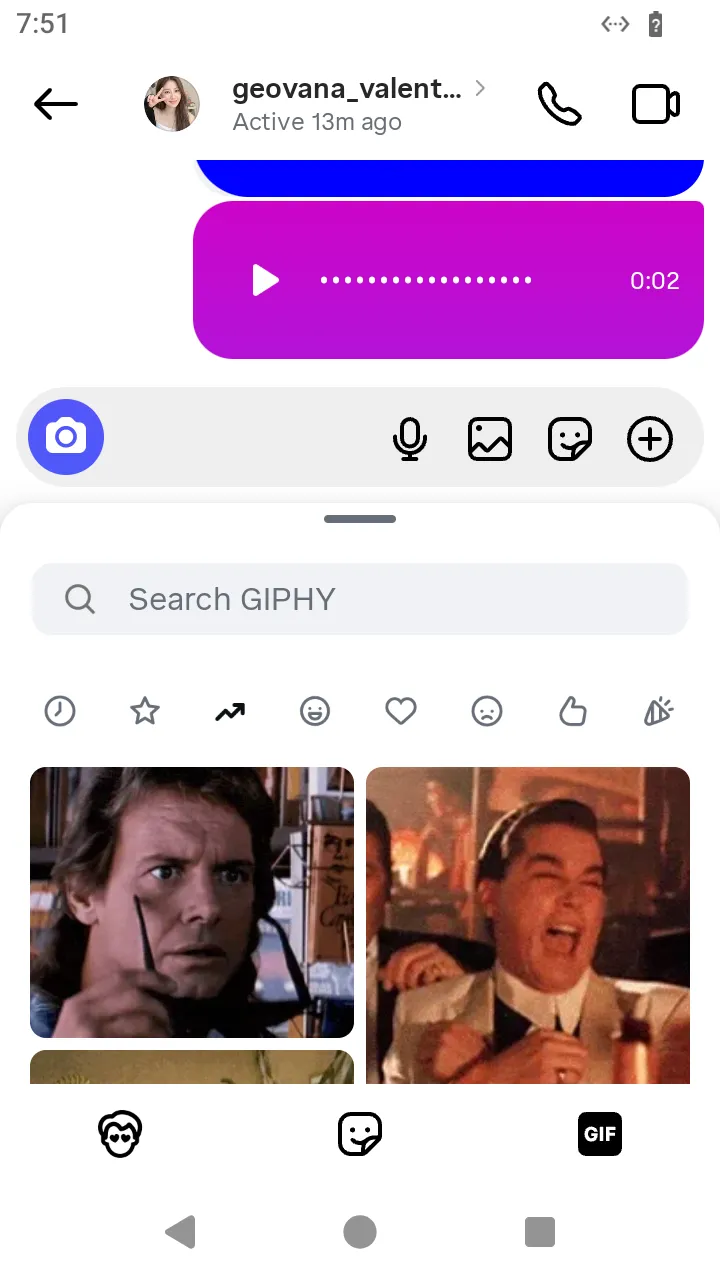 The tray's GIF tab with its results:
 openGifTab().
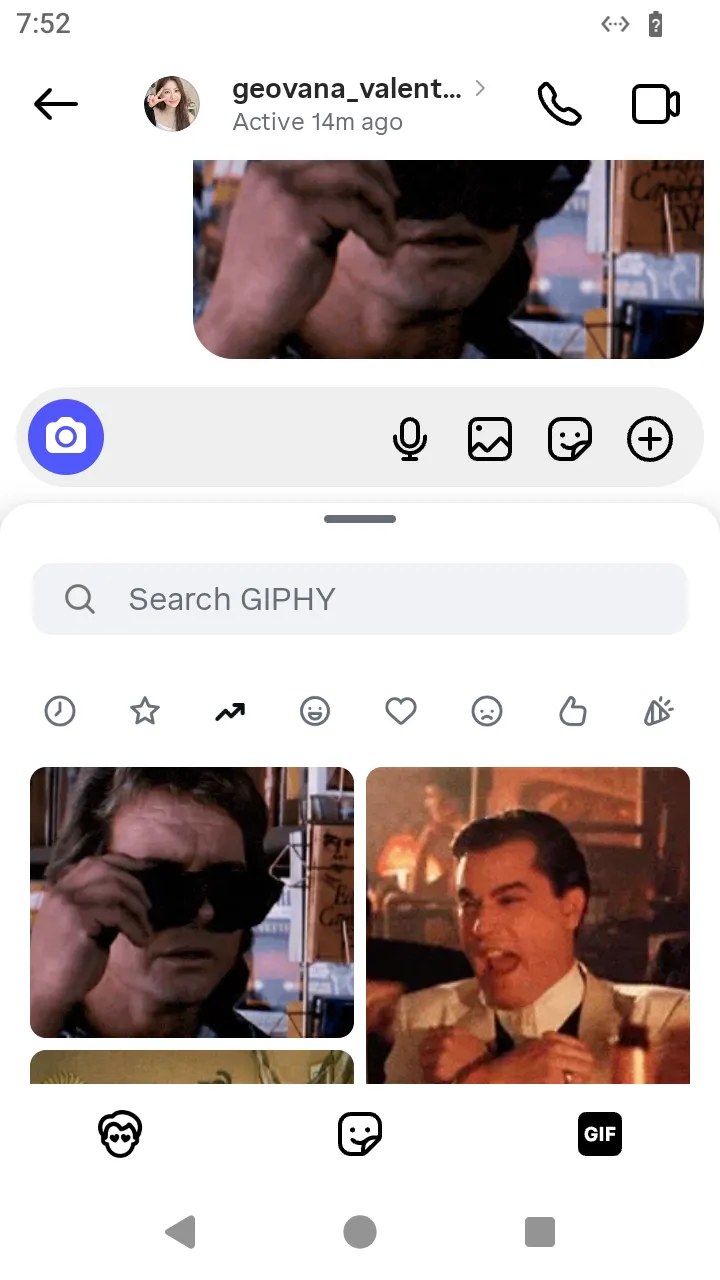 The GIF message after the GIF row's
 send().
ts
// Send a store sticker: the tray, its sticker grid, and the sticker the person taps.
const sticker = await AndroidIgpapi.launch({
checkpoint: saved,
screen: FeedTimelineScreen,
main: feed =>
Effect.gen(function* () {
const tab = yield* feed.openDirectTab();
const item = tab.threads[0];
if (item === undefined) return undefined;
const thread = yield* item.open();
const tray = yield* thread.openStickerTray();
const grid = yield* tray.openStickerTab();
const sticker = grid.stickers[0];
if (sticker === undefined) return undefined;
return yield* sticker.send();
}),
});
console.log(sticker);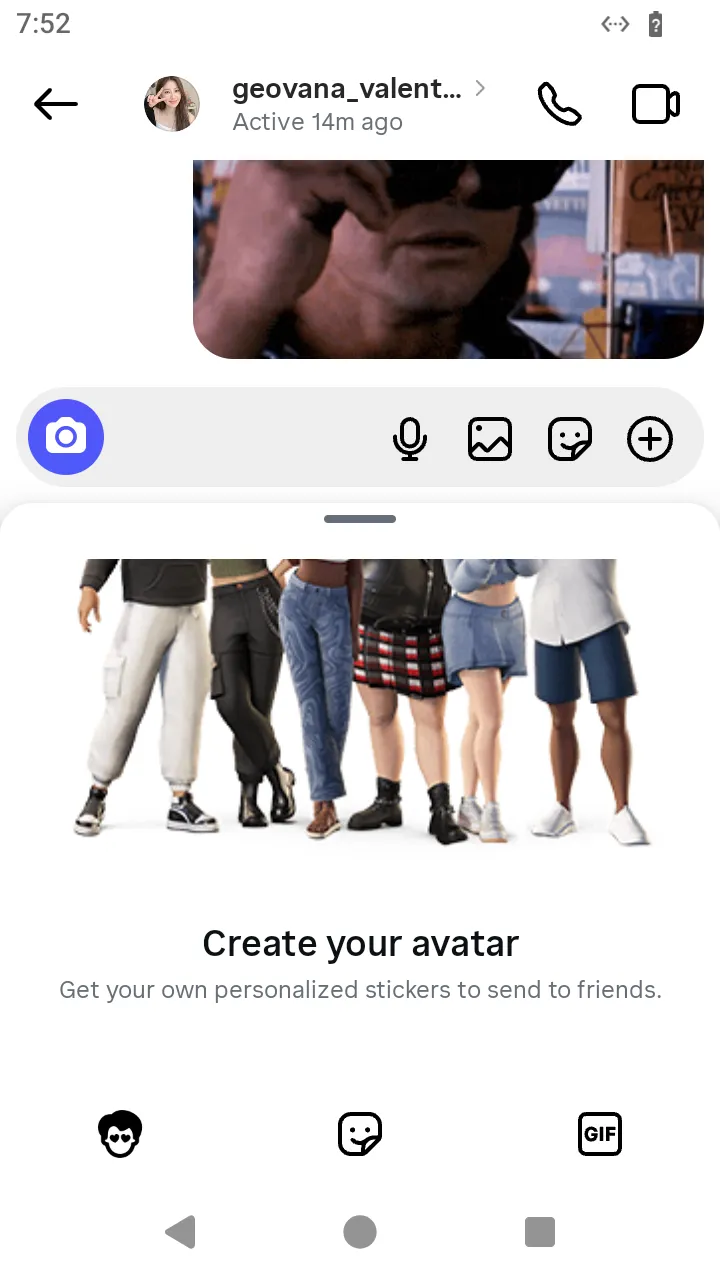 The tray's sticker tab with the store's packs:
 openStickerTab().
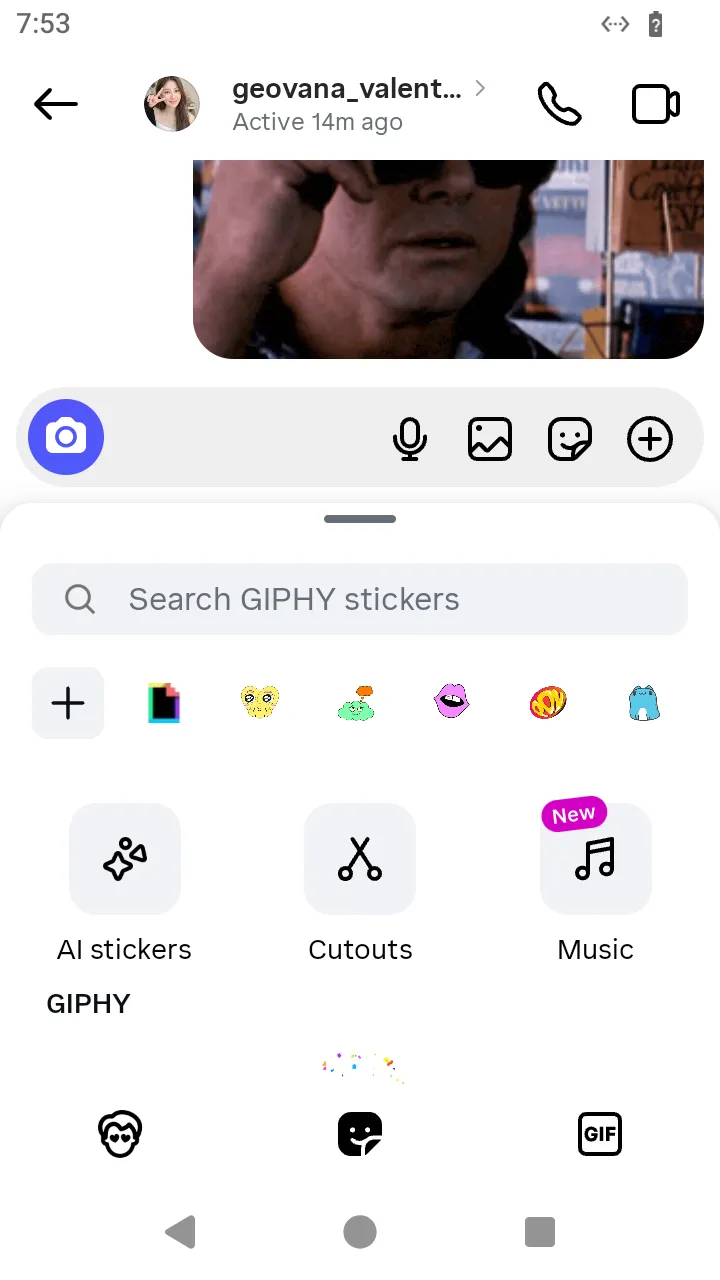 The tray's emoji tab, the other tab beside the stickers.
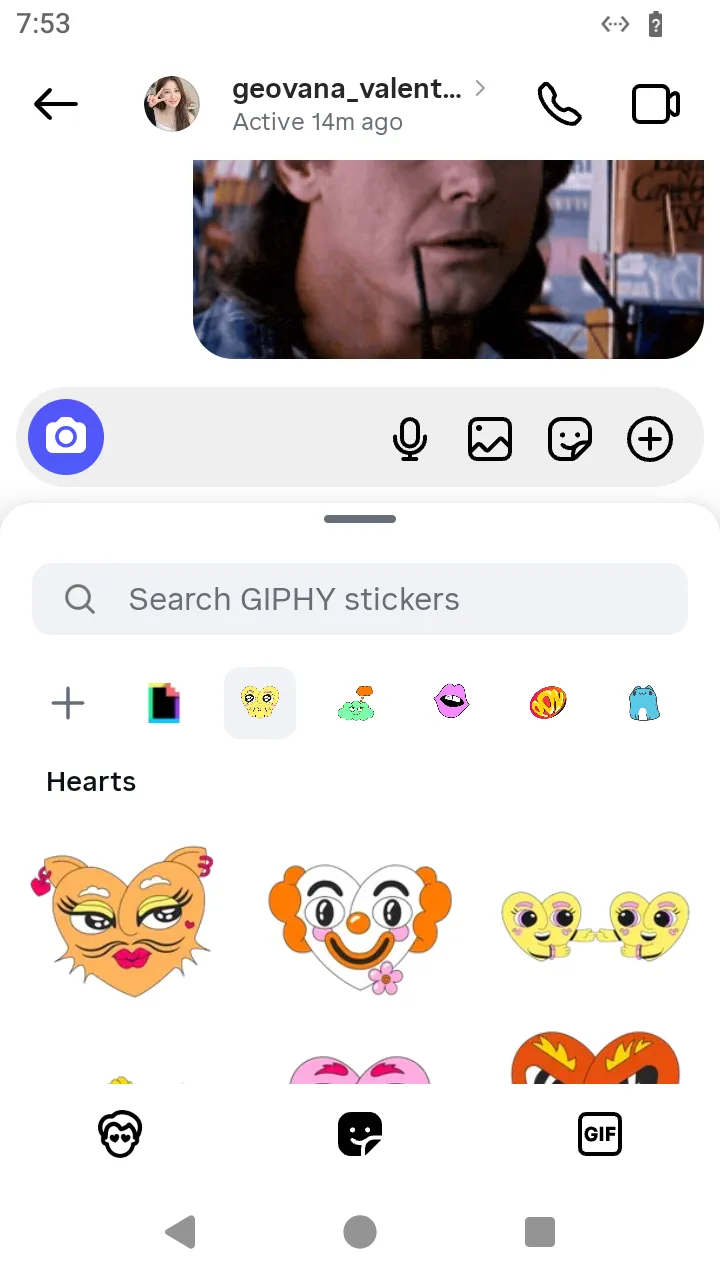 A store sticker in the conversation after the sticker row's
 send().
What this screen does not offer
The tray's other sections (recent, cutout and favourite stickers) are drawn but not decoded: the grid lists the first-party batch's stickers, every pack's in the answer's order. The app draws a pack selector over the grid; no recording shows its tap, so the packs are not separate lists in the Simulator. The emoji tab sends nothing of its own.