Appearance
Share a profile
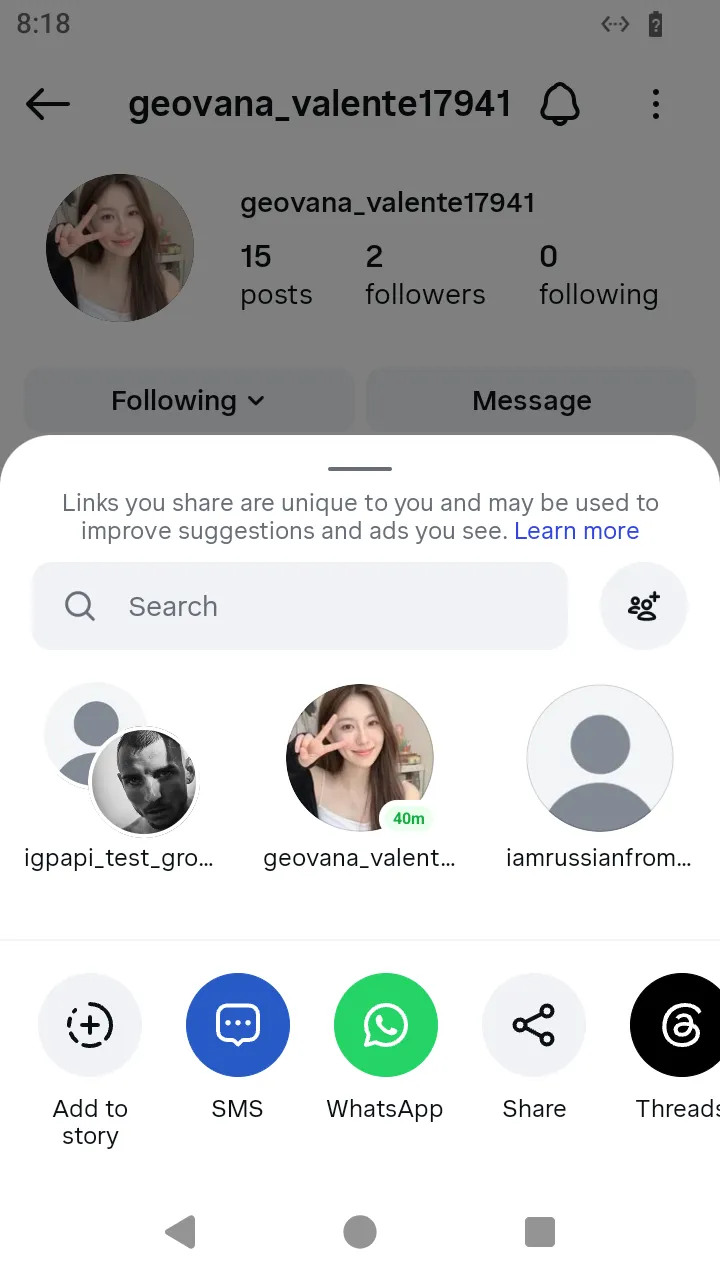
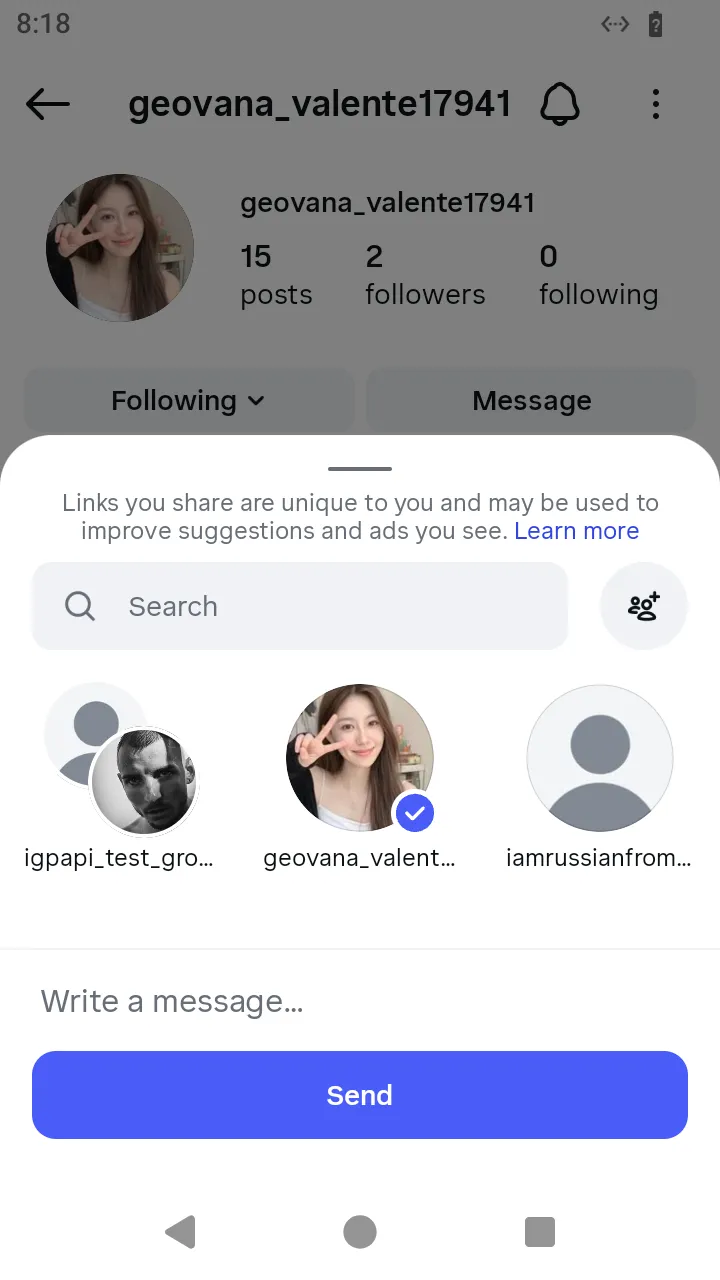
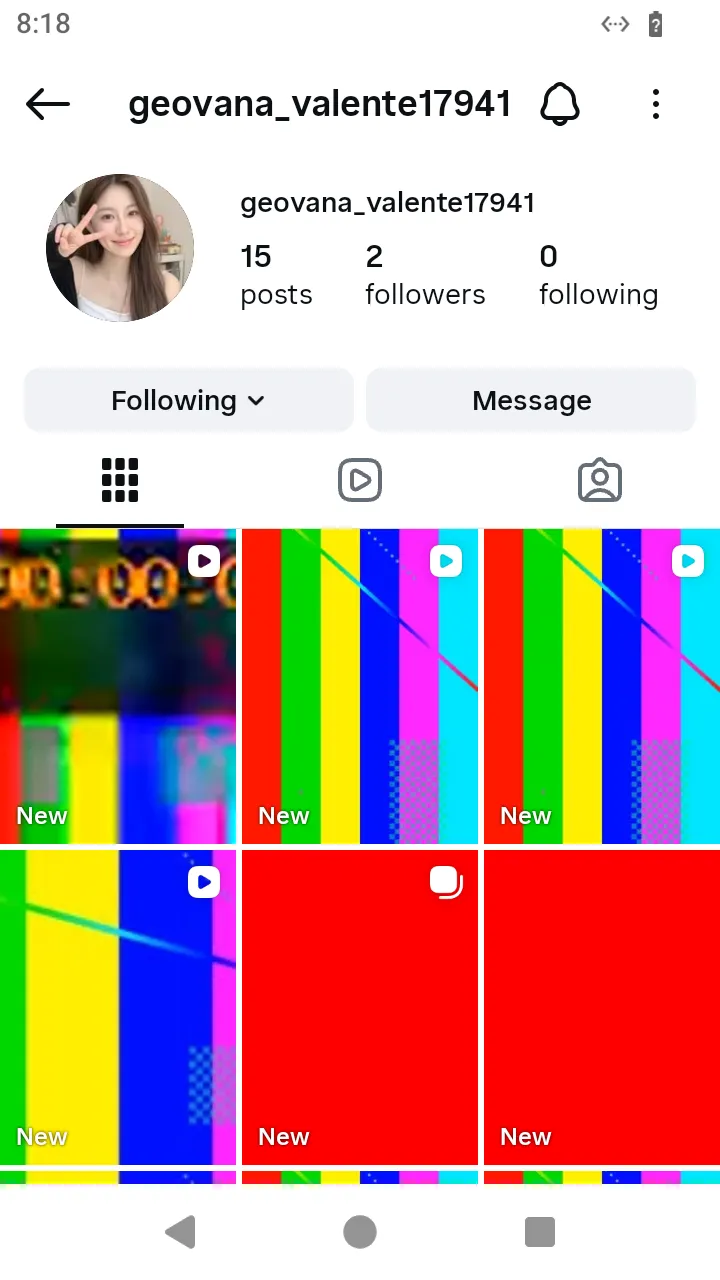
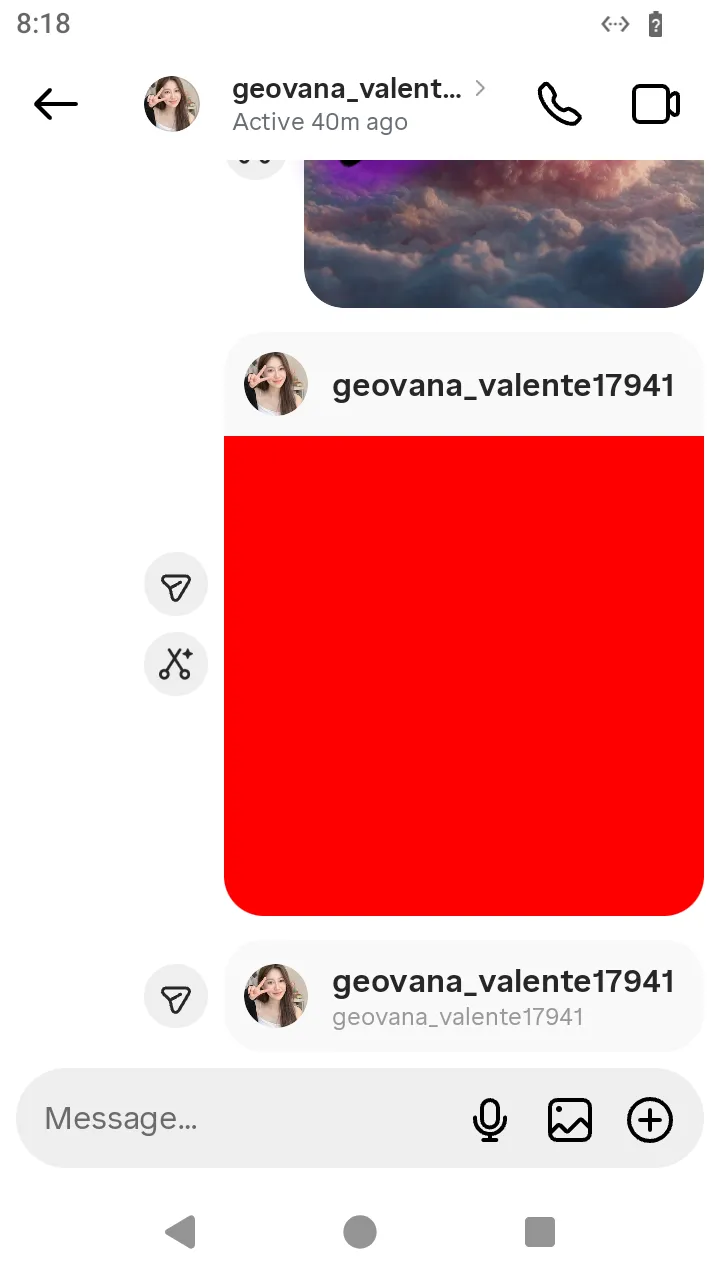
What the person sees. They open a profile, choose “Share this profile” in its menu, and the Direct share sheet opens with the conversations the app keeps on the device. The profile goes into the conversation they tap.
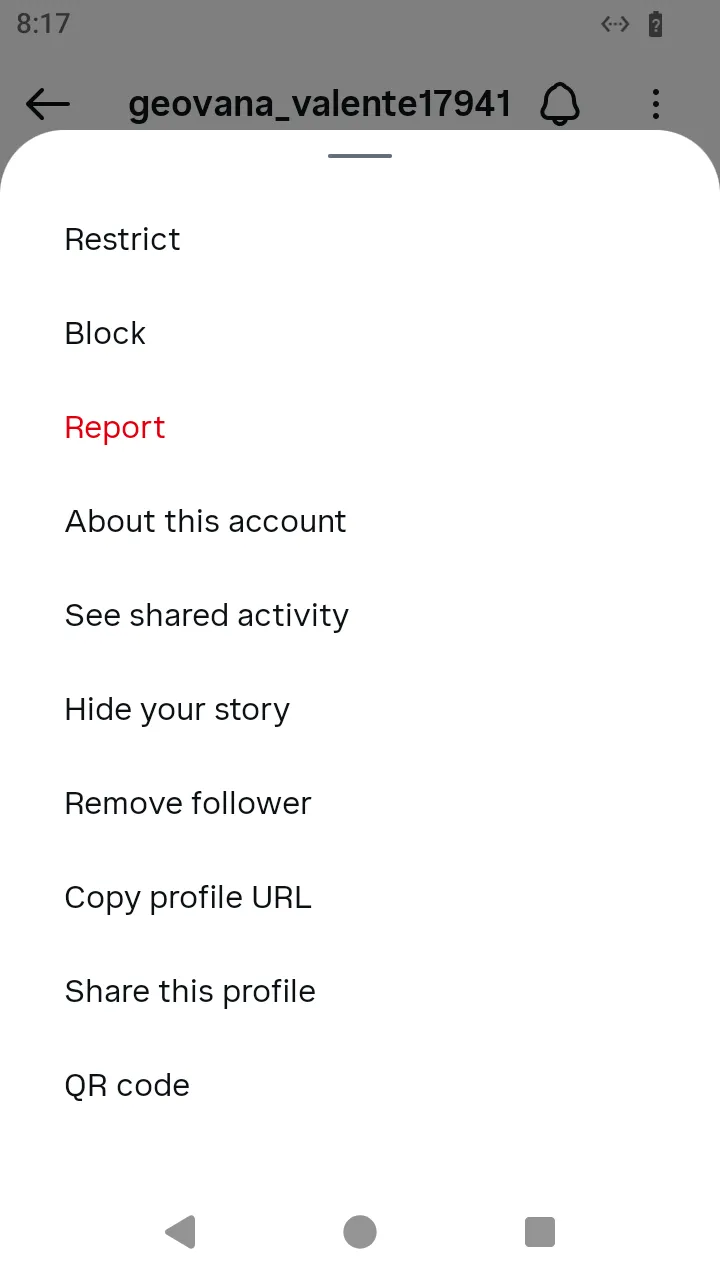
What you do. A profile is a UserProfileScreen handle — reached from the search results, a post's owner or a suggestion. Its share() opens the Direct share sheet, and the sheet's threads rows send with send().
ts
import { AndroidIgpapi, FeedTimelineScreen } from '@igpapi/android';
import { Effect } from 'effect';
import { readFile } from 'node:fs/promises';

const saved = JSON.parse(await readFile('session.json', 'utf8'));

await AndroidIgpapi.launch({
  checkpoint: saved,
  screen: FeedTimelineScreen,
  main: feed =>
    Effect.gen(function* () {
      const tab = yield* feed.openSearchTab();
      const field = yield* tab.openSearchInput();
      const typed = yield* field.change('instagram');
      const account = typed.results.find(result => result.id === 'SearchInputUserResult');
      if (account === undefined || account.id !== 'SearchInputUserResult') return;
      const profile = yield* account.openProfile();
      const sheet = yield* profile.share();
      const conversation = sheet.threads[0];
      if (conversation === undefined) return;
      return yield* conversation.send();
    }),
});
The wire. The GraphQL IGDirectBroadcastProfile, the 451 app's own mutation: the conversation's id, the profile's user id and send_attribution=profile.