Appearance
A Reel
What the person sees. The REEL mode of the create flow: the creation camera's gallery, the reel editor, and "New reel".
What you do. openCreation('reel') answers the creation camera's gallery (camera), whose pickVideo() hands the video to PostingReelEditorScreen (the editor); the editor's next() opens "New reel" (PostingNewReelScreen), whose share() uploads the encoded file and configures it as a reel.
share() answers the published reel: { id, status, mediaIds, code? } — the reel's id, its status (COMPLETED, or PENDING while the server still processes it), its media ids, and the media's short code — the value in https://www.instagram.com/p/<code>/ (a Reel: /reel/<code>/) — when Instagram's configure answer carries it (a reel Instagram is still processing, PENDING, usually has none); an answer that carries no code gives a result with the field absent.
The editor's Audio tool adds a song; the song's search, its listening pass and the Volume sliders are the music screens (music).
The gallery's pickVideo() answers either editor — the reel's, or the story video's when the gallery is in the story mode; the scenarios below are the reel's. A video picked in the post mode is published as a reel too; that walk is the post's scenario 4.
Each example assumes the posting setup; errors and challenges are answered as the Publishing page says.
The scenarios
1. Publish a Reel in the Reel mode
Starts on: the feed.
openCreation('reel') answers the creation camera's gallery in the reel mode; its pickVideo() hands the video to the reel editor. A reel made in the reel mode lands on the Reels tab after its file is uploaded and before its configure — the landing is the visitor's traffic and best-effort, so a refused tab entry neither loses the reel nor stops the publication. The gallery's pickVideo() answers either editor (the reel's, or the story video's when the gallery is in the story mode); this flow is the reel's.
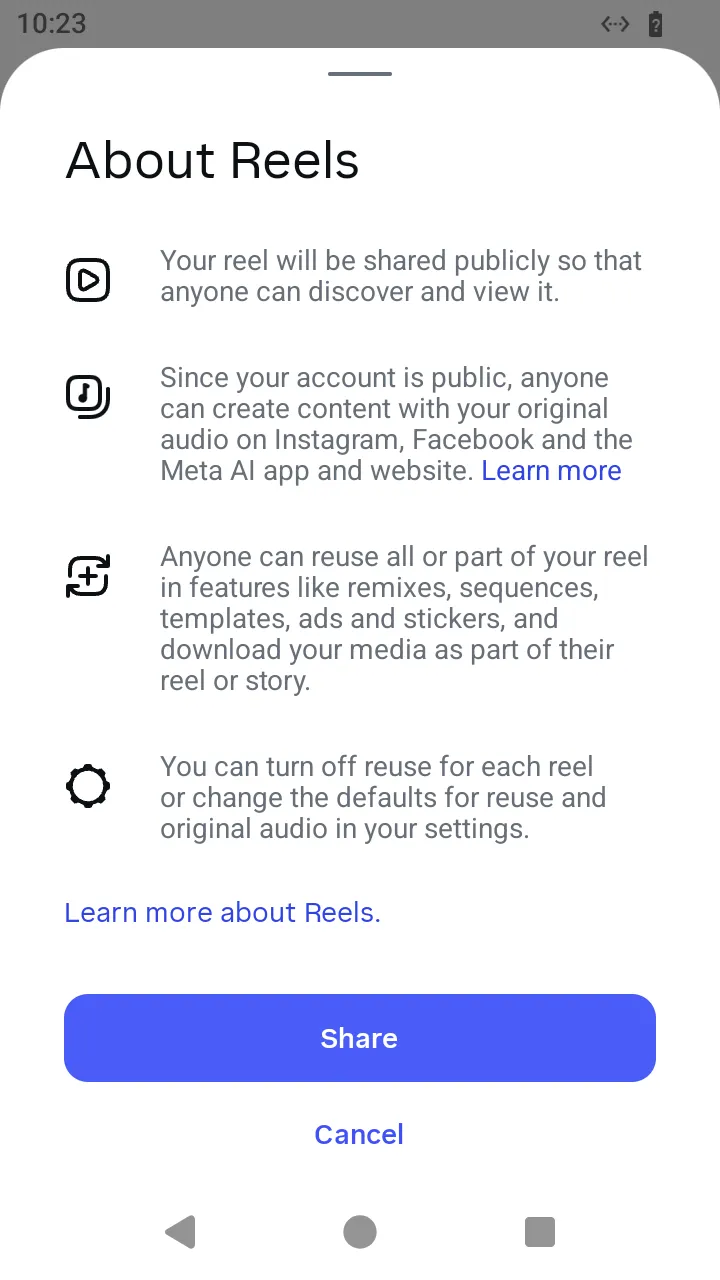 The "About Reels" sheet the app shows on the first share; your program does not answer it.
ts
// Publish a Reel in the Reel mode: the create button's reel gallery, the video, the editor and Share.
const reelBytes = await readFile('reel.mp4');
const reel = await AndroidIgpapi.launch({
checkpoint: saved,
screen: FeedTimelineScreen,
main: feed =>
Effect.gen(function* () {
const gallery = yield* feed.openCreation('reel');
const editor = yield* gallery.pickVideo({ file: reelBytes });
if (!PostingReelEditorScreen.is(editor)) return undefined;
const sheet = yield* editor.next();
const published = yield* sheet.share({ caption: 'A reel' });
// The published reel carries the media's short code when the configure answer named one.
return { id: published.id, code: published.code };
}),
});
console.log(reel);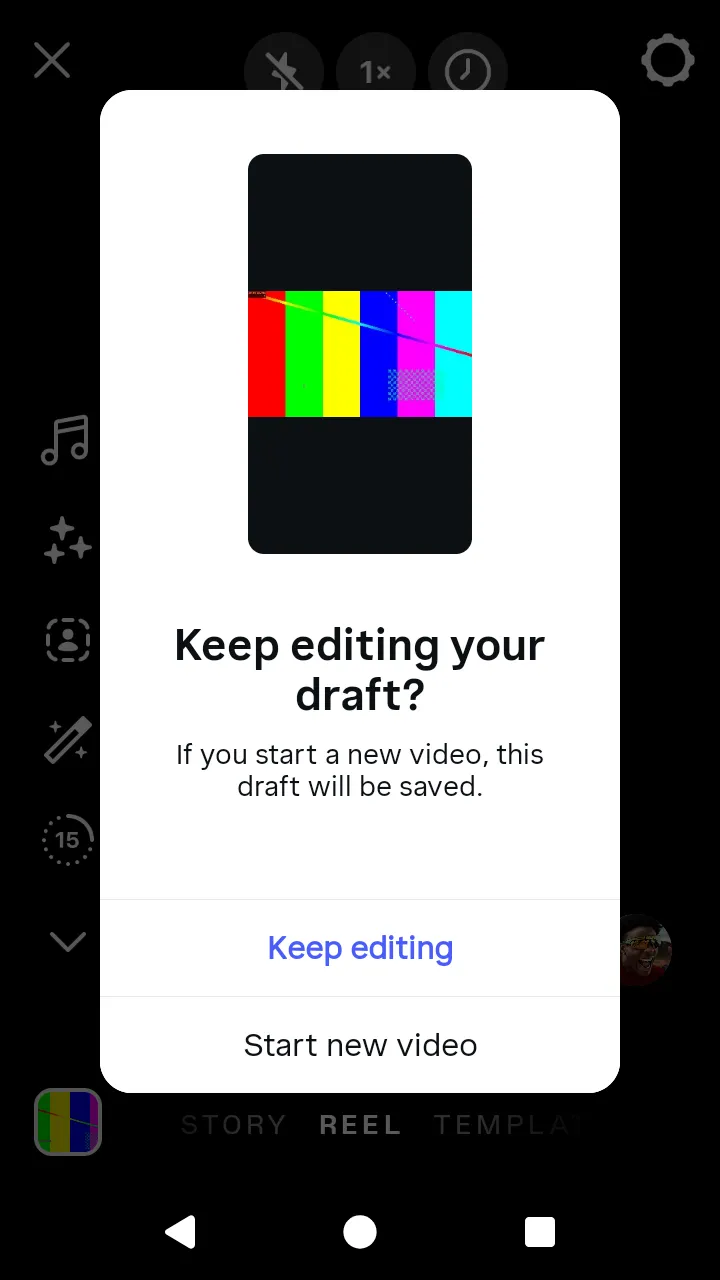 The app asks about an unfinished draft when a new video starts; the Simulator keeps no drafts.
2. Publish a Reel with a song
Starts on: the feed.
The reel editor's Audio tool, openMusicBrowser(), sends the tool's first read and opens the music browser; openSearch() asks for the null state and opens the results, whose Reel search sends one page per typeQuery(text) and the second page on loadMoreResults(). A song's row is listened to with listenToTrack(song, { listenMs }) — the player downloads what the person hears — and picked with selectTrack(song), which sends the selection's tracking and opens the Reel's music editor. The editor's adjustVolume({ song, original }) moves the two Volume sliders (each 0–100) without sending anything, and its done() answers the song with those positions. next({ music }) carries it to "New reel", whose share() mixes the song into the file at gainOfVolumeSlider of each slider before the upload and mixes the song into the video at the slider levels.
ts
// Publish a Reel with a song: the editor's Audio tool, a search, a listened and picked song, the sliders, Done, Next and Share.
const reelSongBytes = await readFile('reel.mp4');
const reelWithSong = await AndroidIgpapi.launch({
  checkpoint: saved,
  screen: FeedTimelineScreen,
  main: feed =>
    Effect.gen(function* () {
      const gallery = yield* feed.openCreation('reel');
      const editor = yield* gallery.pickVideo({ file: reelSongBytes });
      if (!PostingReelEditorScreen.is(editor)) return undefined;
      // The Audio tool opens the music browser; the search field opens the results.
      const browser = yield* editor.openMusicBrowser();
      const search = yield* browser.openSearch();
      const typed = yield* search.typeQuery('summer');
      const results = yield* typed.loadMoreResults();
      // The page holds songs and "Original audio" rows; the Reel listens to and picks a song.
      const songs = results.data.results.flatMap(result => (result.kind === 'track' ? [result] : []));
      const song = songs[0];
      if (song === undefined) return undefined;
      // A tap on the song plays it while the person listens; the select control picks it.
      yield* results.listenToTrack(song, { listenMs: 16_500 });
      const musicEditor = yield* results.selectTrack(song);
      // The Volume panel: the song at 80 and the original audio at 20; no request.
      const tuned = yield* musicEditor.adjustVolume({ song: 80, original: 20 });
      // The music editor downloads the part of the song the clip needs; Done hands the song and the sliders back.
      const music = yield* tuned.done();
      // Next carries the song; Share mixes it at the slider's gains into the file, uploads it and configures the reel.
      const details = yield* editor.next({ music });
      return yield* details.share({ caption: 'A reel with a song' });
    }),
});
console.log(reelWithSong);