Appearance
Reels
What the person sees. A reel shown full-screen (ReelsViewerScreen): the screen behind the bottom bar's Reels tab, and the one a timeline reel or a profile's clip opens.
What you do. You swipe from reel to reel, ask for the next page of the stream, and leave the viewer with back() when it was pushed over another screen. It is one screen for every entry, and where it was opened from decides its first page: the tab sends the stream's first page, a profile's clip opens on that profile's list with no request, and a timeline reel opens on the reel it names with no request.
 The Reels viewer:
 current is the reel in front.
Every example starts from session.json, the session Your first program saved, and names the screen it expects (screen: FeedTimelineScreen). The examples show the success path: errors are answered as in Errors, and challenges by your otherwise constant (Challenges: answer them once with otherwise).
ts
import { AndroidIgpapi, FeedTimelineReelItem, FeedTimelineScreen } from '@igpapi/android';
import { Effect } from 'effect';
import { readFile } from 'node:fs/promises';

// A checkpoint read back from your storage (see "Keep a session").
const saved = JSON.parse(await readFile('session.json', 'utf8'));
The matrix
| # | The person... | Starts on | Actions | Result |
|---|---|---|---|---|
| 1 | Opens the Reels tab and watches | the feed | openReelsTab(), current | The viewer with the stream's first page; the reel in front |
| 2 | Swipes through the reels | the Reels tab | swipeToNext(); nextPage() for the next stream page | The reel that comes in front; past the loaded reels the next page is loaded |
| 3 | Plays a reel of the timeline | the feed | the reel item's open({}), swipeToNext(), back() | The viewer on that reel; closing it writes the seen state |
| 4 | Plays a clip of a profile's Reels tab | a profile's Reels tab | the clip's open(), swipeToNext() | The viewer on the profile's list at that clip |
Each reel is an item: viewing is timed from the moment the reel is in front, as in the app, and a like reports it. The reel's like and openComments belong to the likes, reposts and comments area and are documented with it.
The scenarios
1. Open the Reels tab
ts
// Open the Reels tab and watch the reel in front.
const inFront = await AndroidIgpapi.launch({
checkpoint: saved,
screen: FeedTimelineScreen,
main: feed =>
Effect.gen(function* () {
// The tab sends the stream's first page. The edge lands on the viewer, the tab's root.
const tab = yield* feed.openReelsTab();
return tab.current?.key;
}),
});
console.log(inFront);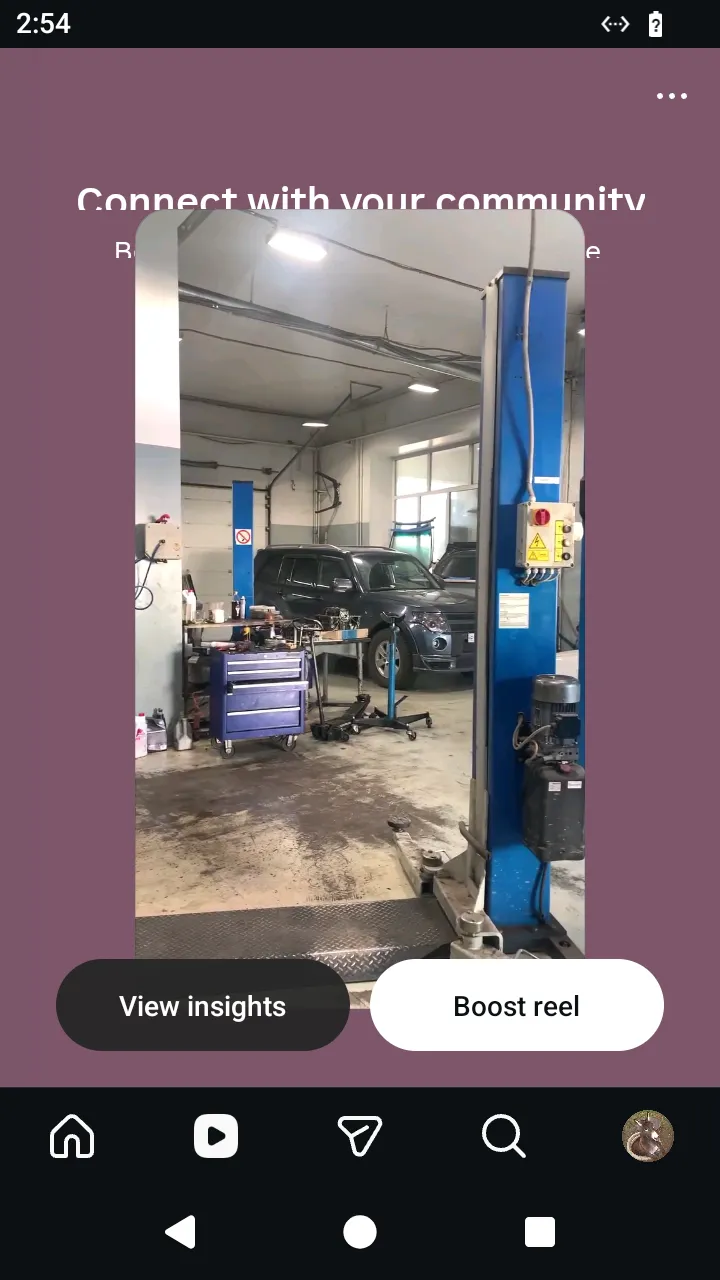 Your own reel shows "View insights" and "Boost"; the Simulator offers no action for them.
2. Swipe through the reels
swipeToNext() moves to the reel that comes in front and, past the loaded reels, loads the next stream page itself; nextPage() is the raw page request without a swipe, and answers undefined at the stream's end.
ts
// Swipe through the reels: every swipe moves to the next reel and, past the loaded ones, loads the next page.
const watched = await AndroidIgpapi.launch({
  checkpoint: saved,
  screen: FeedTimelineScreen,
  main: feed =>
    Effect.gen(function* () {
      const tab = yield* feed.openReelsTab();
      const keys: string[] = [];
      // Viewing is the reel's visit: the swipe leaves this reel and enters the next.
      let reel = tab.current;
      for (let seen = 0; reel !== undefined && seen < 5; seen += 1) {
        keys.push(reel.key);
        reel = yield* tab.swipeToNext();
      }
      return keys;
    }),
});
console.log(watched);
3. Play a reel of the timeline
The viewer was pushed over the timeline, so it has back(). Leaving it sends the seen state with the reels visited. The Reels tab's root has no back().
ts
// Play a reel the timeline shows, swipe once and close the viewer: leaving it writes the seen state.
const fromTimeline = await AndroidIgpapi.launch({
  checkpoint: saved,
  screen: FeedTimelineScreen,
  main: feed =>
    Effect.gen(function* () {
      const item = feed.items.find(candidate => FeedTimelineReelItem.is(candidate));
      if (item === undefined || !FeedTimelineReelItem.is(item)) return undefined;
      // The viewer opens on the tapped reel and sends no page request; `{}` means no options.
      const viewer = yield* item.open({});
      yield* viewer.swipeToNext();
      // The viewer was pushed over the timeline, so it has `back()`; the Reels tab's root has none.
      yield* viewer.back();
      return 'closed';
    }),
});
console.log(fromTimeline);
4. Play a clip of a profile
 The viewer opened from a profile's Reels tab: it starts on that profile's list.
ts
// Play a clip from a profile's Reels tab: the viewer opens on that profile's list.
const fromProfile = await AndroidIgpapi.launch({
  checkpoint: saved,
  screen: FeedTimelineScreen,
  main: feed =>
    Effect.gen(function* () {
      const tab = yield* feed.openSearchTab();
      let typed = yield* tab.openSearchInput();
      typed = yield* typed.change('instagram');
      const results = yield* typed.search('instagram');
      const users = yield* results.openUsers();
      const first = users.results[0];
      if (first === undefined) return undefined;
      const profile = yield* first.openProfile();
      const reels = yield* profile.openReelsTab();
      const clip = reels.clips[0];
      if (clip === undefined) return undefined;
      const viewer = yield* clip.open();
      // The list is the viewer's first page, so swiping forward needs no request until the list ends.
      const second = yield* viewer.swipeToNext();
      return second?.key;
    }),
});
console.log(fromProfile);